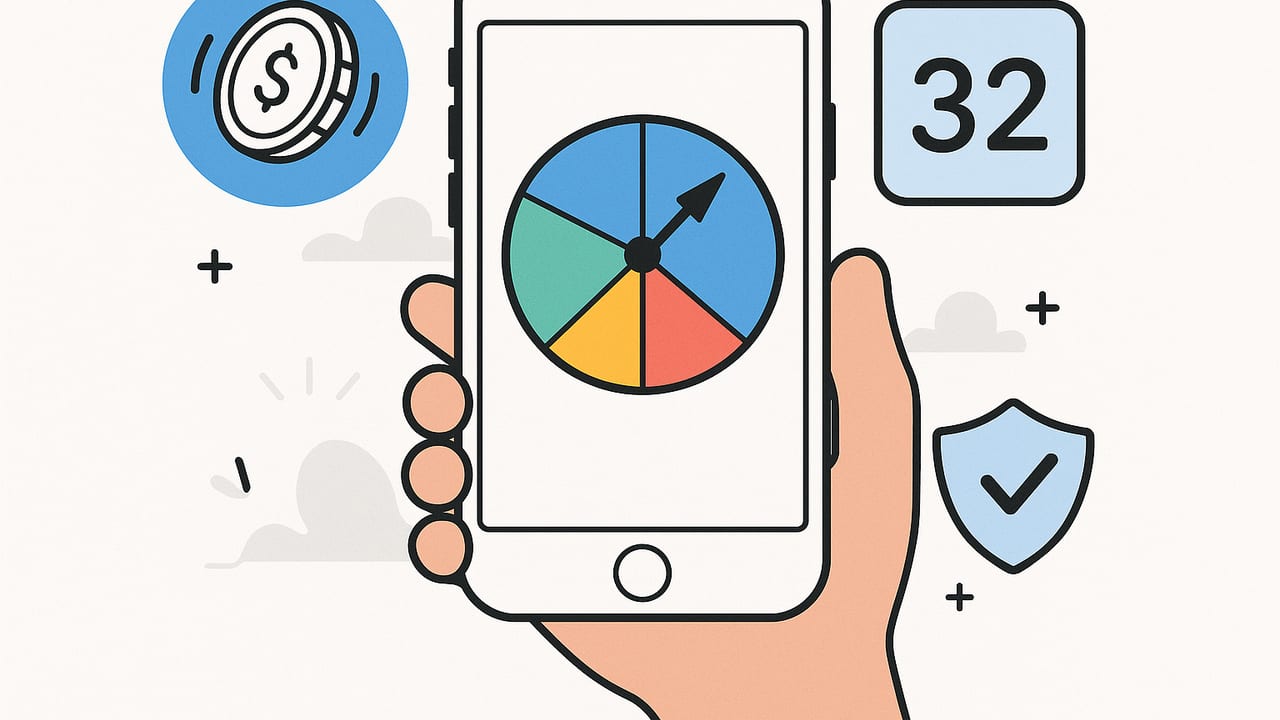
If you’ve ever stood in a line trying to pick lunch or needed a quick tiebreaker with friends, you know the value of a reliable decision tool. Finding the best decision maker for iPhone offline means you can spin, flip, or randomize outcomes instantly—without data, accounts, or distractions. This guide covers what to look for, which tools fit different scenarios, how to test fairness, and how to build a simple decision system on your iPhone that works anywhere.
Why an Offline Decision Maker Matters
- Privacy by default: Offline tools don’t need servers or logins, so your choices stay on your device. Great for sensitive topics (budgets, family schedules) and group decisions.
- Works anywhere: Flights, subways, camping, or spotty Wi‑Fi at a stadium—no signal required. Put your phone in Airplane Mode and keep deciding.
- Faster and distraction-free: Offline tools launch quickly, with fewer delays and no reliance on remote content. Less waiting, fewer interruptions.
- Battery friendly: No background syncing or network calls means better battery performance during long days or trips.
Core Features to Look For in an Offline iPhone Decision App
1) Multiple decision modes
Different choices call for different tools. Look for an app that includes:
- Spin the Wheel: Great for more than two options with a fun, visual feel.
- Coin Flip: Best for yes/no or two-person tiebreakers.
- Random Number Generator (RNG): Ideal for picking a number within a range (like a raffle or workout reps).
- Finger Chooser: Everyone places a finger on the screen and the app selects one at random—perfect for group picks without arguments.
- List Picker / Shuffle: Randomly choose from a list (restaurants, movies, chores).
2) Customization and weighting
Real life isn’t always 50/50. You may want to give certain options a higher chance of winning. Seek:
- Weighted options: Assign probabilities (e.g., 60% Pizza, 40% Sushi).
- Color, labels, and emojis: Make wheels and lists easy to scan.
- Reusable templates: Save common wheels and lists (e.g., ‘Weeknight Dinners’, ‘Weekend Activities’).
3) One-tap results, haptics, and sound
Quick decisions should feel instant. Haptic feedback and subtle sounds make outcomes clear, even when you’re not looking at the screen.
4) History, fairness, and transparency
It’s helpful to see the last few results and ensure the app gives each option a fair chance. Look for:
- Recent results log: Confirms randomness over time.
- Reset and reshuffle: Clears streaks and perceived patterns.
- No dark patterns: Avoid apps that quietly alter odds to push an outcome.
5) Accessibility and ease of use
Large buttons, clear type, VoiceOver support, and color-safe palettes are important for group use and good ergonomics.
6) Offline by design
The best decision maker for iPhone offline won’t require a login or internet permission for core features. You should be able to:
- Use the app in Airplane Mode.
- Access all decision tools without a network connection.
- Optionally export settings/data without being forced online.
Common Decision Tools and When to Use Them
Spin the Wheel
Best for: 3–12 options, group choices, and a festive feel. Wheels are great at game nights for picking teams or activities. Add colors and weights for recurring scenarios like weekly chores.
Coin Flip
Best for: Two-way decisions and tiebreakers. Quick, low-friction, and familiar. If you need a nudge, name your options before flipping: Heads = Pasta, Tails = Stir-fry.
Random Number Generator
Best for: Number ranges (raffles, workouts, study problem sets). Make sure the app supports ranges, exclusions, and repeats (or no repeats).
Finger Chooser
Best for: Fair group picks when you’re together—who pays the bill, who starts the game, or who chooses the next song. It feels collaborative and avoids bias.
List Picker / Shuffle
Best for: Picking from typed lists like restaurants, movies, or errands. Bonus if the app lets you import from notes or reuse past lists.
Quick Checklist to Identify the Right Offline App
- Launch the app in Airplane Mode: Do all core tools work?
- Try all decision types you care about (wheel, coin, RNG, finger).
- Confirm weights, saved templates, and history exist if you need them.
- Test with friends: Is the interface big and clear enough for group use?
- Check sound, haptics, and no forced sign-in.
- Look for no intrusive ads in offline mode.
Feature-to-Benefit Comparison
| Feature | Why It Matters | How to Test Offline |
|---|---|---|
| Spin the Wheel | Great for many options; visual and fun | Create a 6-slice wheel and spin 20 times in Airplane Mode |
| Coin Flip | Instant two-way tiebreakers | Flip 30 times; check for roughly even Heads/Tails |
| RNG (Range) | Handles numbers for raffles or exercises | Generate 1–10 fifty times; ensure all values appear |
| Finger Chooser | Fair group decisions, no typing needed | Place 3–5 fingers; confirm random selections |
| Weights & Templates | Repeat scenarios without setup time | Save a weighted wheel; relaunch app and reuse |
| Results History | Helps spot patterns or reassure fairness | Review past outcomes after a burst of tests |
| Haptics & Audio | Clear feedback in noisy settings | Turn volume down; feel the result via haptics |
| Accessibility | Inclusive group use; readable and tappable | Use larger text settings; try with one hand |
Build a Simple Decision System on Your iPhone
- List your common decisions: Meals, chores, who goes first, weekend activities, workout variations.
- Create reusable tools: Make a ‘Weeknight Dinners’ wheel, a ‘Friday Night Movie’ list, and a ‘Workout RNG’ range (1–6 for exercise sets).
- Add smart weights: If you want healthier dinners slightly more often, weight those options higher.
- Set a fairness rule: Agree with your group to accept the first outcome unless there’s a setup error. This reduces ‘best-of-three’ bias.
- Audit periodically: Once a month, run 50 spins/flips. If results feel off, reset, check weights, and retest.
Real-Life Scenarios Where Offline Shines
Travel and transit
Pick snacks at the airport without Wi‑Fi, decide who gets the window seat, or choose which museum to visit first. Offline tools keep you moving while you’re moving.
Family and roommates
Rotate chores with a weighted wheel, assign school pickup at random on hectic days, or choose the weekend breakfast spot fairly.
Game night
Split into teams, choose the first player, or randomize a rule variant—all without pausing for setup or searching for a coin.
Health and habits
Randomize workouts (e.g., 1–5 equals a different circuit), or rotate among meditation tracks and quick stretches to keep things fresh.
Privacy and Fairness: What to Know
Randomness in consumer decision apps typically uses well-established pseudo-random methods. While not cryptographic, they’re more than adequate for everyday choices like chores or group turns.
- Fairness checks: Over 50–100 trials, each option should appear close to its expected probability. Slight streaks are normal.
- Weights and biases: Make sure any weight settings are intentional and visible. Hidden weights can produce ‘sticky’ outcomes.
- Data handling: In a good offline app, your lists and wheels are stored on your device, not on a server. You shouldn’t need an account to make decisions.
Troubleshooting If Results Feel ‘Biased’
- Reset the tool: Clear history or recreate the wheel/list to rule out an accidental weight.
- Check weights: Confirm no option is set higher than intended.
- Test in Airplane Mode: Eliminate background distractions; run 50 quick outcomes and review distribution.
- Use larger samples: Small samples can look streaky. More trials give a clearer picture.
- Device factors: If using Finger Chooser, ensure everyone touches similarly and the screen is clean.
FAQ
Do offline decision apps ever use my data?
Quality offline apps keep your data on-device. You shouldn’t need a login or connection for core functions. Look for clear privacy disclosures in the app’s settings.
Will I see ads if I’m offline?
Some free apps show preloaded or cached ads, but many don’t display ads at all without a connection. If interruptions bother you, test in Airplane Mode before committing.
Can I make multiple wheels and lists?
Yes—choose an app that supports saved templates or categories so you can switch quickly between meals, chores, and entertainment.
How do I prove fairness to friends?
Run a batch of spins or flips and show the history. If the app supports export or a visible log, that transparency helps everyone trust the outcome.
How to Pick the Best Decision Maker for iPhone Offline
Start by listing the decisions you make most, then match tools to needs: wheels for multi-option fun, coin flips for tiebreakers, RNG for numbers, and finger chooser for groups. Confirm everything works in Airplane Mode, evaluate customization, and check that results feel fair over repeated trials. The ‘best’ app is the one you’ll actually use—fast to launch, easy to read, and tailored to your routine.
Looking for an all-in-one option? An example that combines Finger Chooser, Spin the Wheel, Coin Flip, and a Random Number Generator with customizable templates and fully offline functionality on iOS is Decision Chooser.
