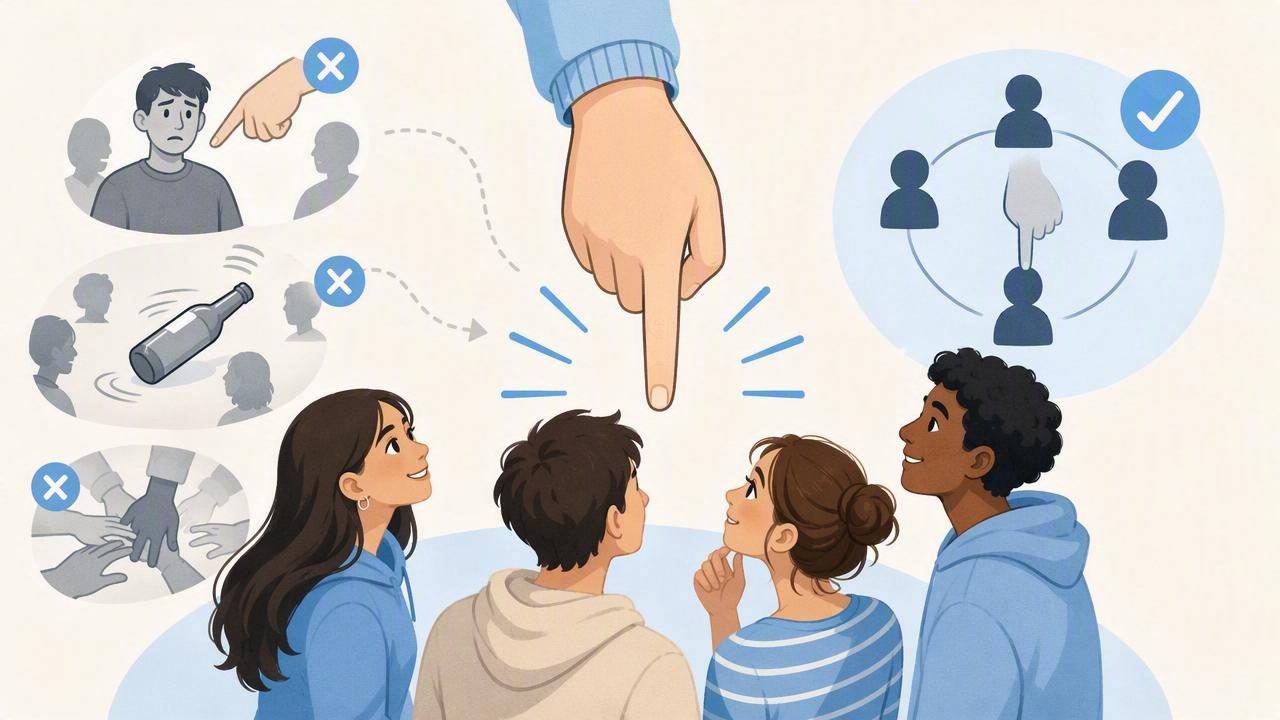
A finger chooser is one of the fastest ways to settle a simple group question: Who goes first? Who chooses the restaurant? Who gets the last slice? Everyone places a finger on the screen, the tool makes a random selection, and the group can move on.
However, a quick decision only feels fair when everyone understands the process. Small setup problems, unclear rules, or inconsistent use can make even a random result feel questionable. Learning the most important finger chooser mistakes to avoid helps turn a fun shortcut into a decision-making tool people trust.
This guide explains how to use a finger chooser well, what can go wrong, and how to make quick choices smoother for friends, families, classrooms, teams, and parties.
Why Fairness Matters in Quick Choices
Not every decision needs a long conversation. For low-stakes choices, random selection can save time and prevent unnecessary debate. A finger chooser is especially useful when every participant has an equal chance and the group agrees that the result will settle the issue.
The key is not only whether the selection is random. It is whether the process appears clear and consistent to everyone involved. If one person joins late, touches the screen differently, or challenges the result after losing, the group may focus on the method instead of the outcome.
A fair quick-choice process is simple: agree on the rules, include the right people, and accept the result before the selection begins.
With that in mind, here are the common mistakes that can make a finger chooser less effective.
1. Starting Before Everyone Understands the Rules
The biggest mistake is assuming everyone knows what is happening. One person may think the winner gets a reward, while another assumes the selected person has to do a chore. That misunderstanding can cause arguments even when the selection itself is perfectly fair.
Before anyone touches the screen, say what the outcome means. Keep it short and specific:
- “The selected person chooses the next game.”
- “The last finger remaining picks the music.”
- “The first person selected takes the first turn.”
- “We will use this to choose one volunteer, and nobody has to participate.”
Also clarify whether the tool will choose one person, remove players one by one, or identify multiple winners. A 10-second explanation prevents a much longer discussion afterward.
2. Using It for a Decision That Is Too Important
Finger choosers work best for casual, reversible, and low-pressure decisions. They are great for picking a dessert, assigning the first turn in a board game, or choosing who gets to control the remote.
They are not a good replacement for thoughtful discussion when the decision affects money, safety, someone’s responsibilities, or a meaningful personal preference. For example, do not use random selection to decide who pays a large unexpected bill, who takes on an unfair workload, or whose needs matter in a serious family decision.
A useful rule is this: if the losing outcome would feel upsetting, costly, or hard to undo, pause and discuss it instead. Randomness can be fair, but it is not always the most considerate approach.
3. Letting People Join After the Round Starts
Late entries are a common source of confusion. If someone adds a finger after the selection has begun, other participants may feel that the odds changed. Even when this is accidental, it can make the result look unreliable.
Set a clear start point. For example, ask everyone to place a finger on the screen, count down from three, and begin only when all players are ready. If somebody is not ready in time, restart the round rather than trying to adjust mid-selection.
This small habit is especially helpful with children, larger groups, and energetic party settings where people may crowd around the phone.
4. Forgetting to Check the Screen and Finger Placement
A finger chooser needs enough screen space to recognize each participant comfortably. When fingers overlap, touch the edge of the display, or press too closely together, the group may wonder whether every player was included.
To avoid this issue, place fingers with a little space between them. Ask players to use a clean, dry part of the screen and hold still until the round finishes. On a smaller phone, consider limiting the number of participants per round or using elimination rounds for a large group.
| Situation | Better Setup | Why It Helps |
|---|---|---|
| Two to four players | Use one round with spaced fingers | Everyone can see who is included |
| Five or more players | Use larger spacing or elimination rounds | Reduces overlap and confusion |
| Young children | Count down before starting | Helps everyone hold still together |
| Public or outdoor setting | Choose a stable, visible surface | Makes the process easier to follow |
5. Changing the Rules After Seeing the Result
Nothing damages trust faster than changing the meaning of a result after someone is selected. Examples include saying “Let’s do best two out of three” only because the preferred person lost, or changing from “winner picks” to “winner has to do it” after the round ends.
Agree on the rule beforehand and stick to it. If the group truly wants a redo, everyone should agree before restarting. A restart should correct a genuine problem, such as a missed participant or an unclear instruction—not simply produce a more popular outcome.
Consistency matters more than the exact format. People are generally happy to accept chance when they know the same rule applies to everyone.
6. Treating Random as a Substitute for Consent
Random selection should never pressure someone into an activity they do not want to do. A finger chooser can identify who gets an opportunity, but it should not force participation in something uncomfortable, embarrassing, or beyond a person’s limits.
For instance, it is fine to randomly choose who picks the next song. It is less appropriate to randomly choose someone to perform in front of a room if they did not volunteer. Give people an easy way to opt out before the round begins.
This is particularly important in classrooms, workplaces, and mixed-age groups. Inclusive decision-making tools work best when participants know they can decline without being singled out.
7. Ignoring the Difference Between One Winner and Multiple Winners
Some group decisions need one person, while others need several. Confusing these formats can create accidental unfairness. If you need two teams, for example, selecting only one “winner” does not solve the full problem.
Choose the format that matches the goal:
- One winner: Who chooses the movie?
- First player: Who starts the game?
- Elimination: Who is last to do the chore?
- Several selections: Who gets the available seats, prizes, or turns?
If you need multiple winners, decide whether selected people are removed from later rounds. This prevents one person from being picked repeatedly while others never get a chance.
8. Repeating Random Choices Without a Rotation Plan
Random selection is fair in an individual round, but repeated choices can still feel uneven. One friend may get selected to choose dinner three times in a row. That can happen by chance, yet it may frustrate the rest of the group.
For recurring decisions, combine randomness with a simple rotation. Keep track of recent winners, exclude the last winner from the next round, or give everyone one turn before repeating. This approach is useful for family movie nights, classroom helpers, and regular game groups.
Think of random selection as a tool for breaking ties and adding fun—not necessarily the ideal system for every repeated responsibility.
9. Forgetting About the Environment
A chaotic environment can make a simple choice harder than it needs to be. Bright sunlight may make the display difficult to see. A moving car can make it hard to hold fingers in place. A noisy room may prevent people from hearing the rules.
When possible, pause for a moment and create a clear setup. Place the device on a table, let everyone see the screen, and announce the result out loud. If internet access is limited during travel, camping, or an event, choosing a tool with offline functionality can keep the process available without relying on a signal.
10. Making the Process More Complicated Than the Decision
The purpose of a finger chooser is to simplify quick choices. If you spend five minutes debating who qualifies, how fingers should be positioned, and whether the result counts, the tool is no longer saving time.
Use a simple checklist before each round:
- Is this a low-stakes decision?
- Does everyone know what the result means?
- Are all eligible participants ready?
- Will the group accept the result?
If the answer is yes, start the round and move on. If not, a quick conversation may be the better decision-making tool.
Make Fast Decisions Feel Fair
The best finger chooser experience is not about making every outcome perfect. It is about giving everyone a clear, equal, and low-pressure way to settle small questions. Explain the rules, use appropriate situations, include participants fairly, and avoid changing the process after the result appears.
For everyday choices, customizable app features can make the process fit the group, whether you need a single winner, an elimination round, or another quick format. Tools such as Decision Chooser can be useful when you want a simple offline option for spontaneous group decisions.
When used thoughtfully, a finger chooser turns minor disagreements into a quick moment of shared fun—and lets everyone get back to what they were doing.
