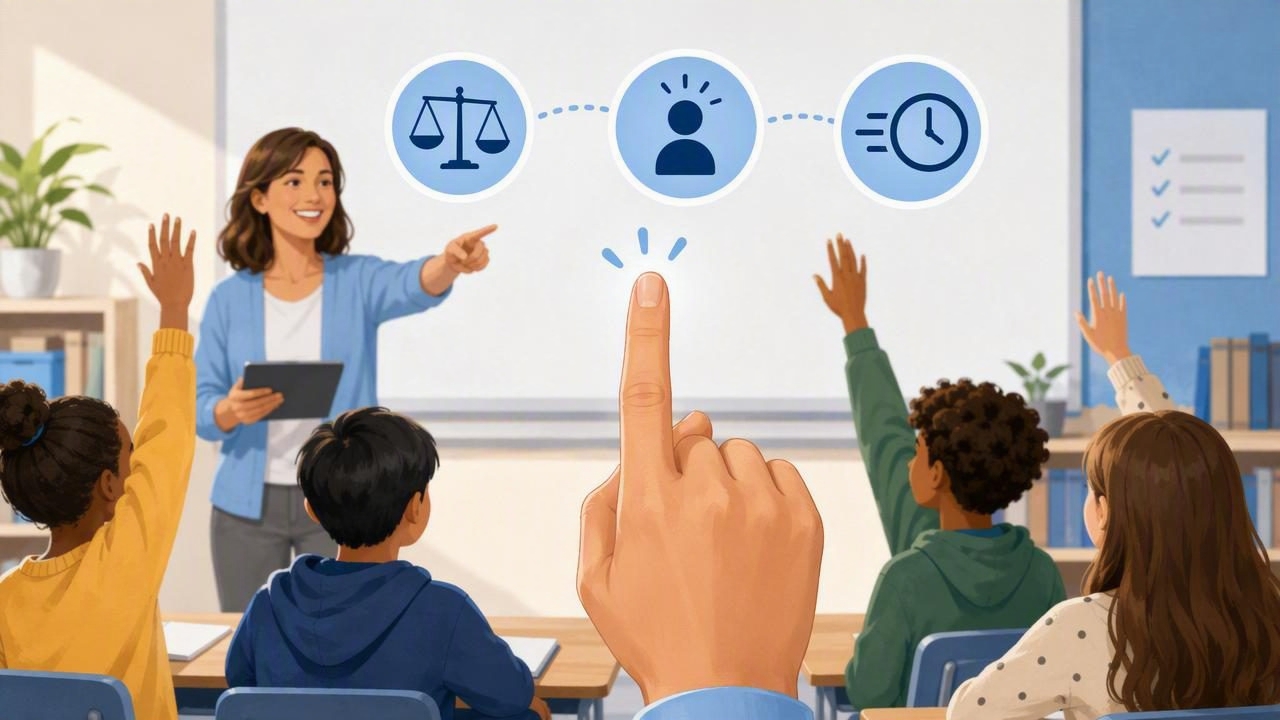
Calling on students sounds simple—until it isn’t. The same hands go up, a few voices dominate, and you’re left balancing fairness, participation, and time. A classroom finger chooser for teachers is a quick decision-making method that helps you select students randomly (or semi-randomly) for tasks like answering questions, leading line-up, choosing teams, or presenting work. Done well, it reduces arguments, lowers teacher decision fatigue, and makes classroom routines feel more consistent and transparent.
This guide explains how finger choosers work in real classrooms, when to use them, how to keep them fair, and how to customize the process for different age groups and learning needs—without turning your lesson into a game show.
What Is a Classroom Finger Chooser?
A classroom finger chooser is any method where students indicate participation (often by placing fingers on a shared screen, tablet, desk chart, or by being represented digitally), and a random selection is made. In practice, teachers use the term to describe:
- Touch-based “finger pick” tools that select one finger from several placed on a device.
- Name-based random pickers that choose a student from a roster.
- Number-based pickers where seats or student numbers are selected.
The common goal is the same: fast, impartial selection that students trust.
Why Teachers Use Finger Choosers (Beyond “Random”)
Random selection is helpful, but the biggest classroom benefits are about climate and management:
- Perceived fairness: When selection feels impartial, students are less likely to argue or accuse you of favoritism.
- More balanced participation: Random calling can bring quieter students into the conversation (especially when paired with think time).
- Faster transitions: “Chooser decides” ends debates quickly (who goes first, who passes out materials, etc.).
- Lower decision fatigue: You make dozens of micro-decisions daily; a tool can handle the small ones.
- Stronger routines: Predictable decision rules reduce repeated negotiations.
Classroom tip: Students accept random outcomes more readily when the rule is consistent: “We use the chooser for turn-taking and quick picks—no exceptions.”
Best Times to Use a Classroom Finger Chooser
Not every moment is right for random choice. Use a finger chooser when speed and neutrality matter more than targeted instruction.
Great use cases
- Warm-ups: Choose who shares first (after everyone writes).
- Class jobs: Pick a helper, line leader, tech assistant, board cleaner.
- Game or review rounds: Select the next contestant or team rep.
- Group roles: Randomly assign facilitator, recorder, reporter.
- Micro-decisions: Which example to discuss, which problem to solve first.
Use with caution
- High-stakes cold calling without preparation time (can raise anxiety).
- Situations requiring accommodation (ensure accessibility and opt-outs).
- Behavior-related choices (randomness can feel like punishment if misapplied).
Finger Chooser vs. Other “Fair Pick” Classroom Methods
Teachers have used fair-pick systems for years. A finger chooser is one option among many. Here’s a comparison to help you choose what fits your room.
| Method | Best For | Pros | Watch Outs |
|---|---|---|---|
| Popsicle sticks / name cards | Whole-class calling | No tech, tangible, easy to explain | Needs upkeep; can be slow; cards get lost |
| Random name list (digital) | Equity tracking, repeatable routines | Fast, scalable, customizable lists | Needs device access; avoid showing full names publicly |
| Classroom finger chooser (touch pick) | Small-group picks, quick turns | Fun, instant, low debate, great for stations | Not practical for very large groups on one device |
| Spin-the-wheel | Brain breaks, review games | High engagement; good for categories | Can take longer; hype can derail pacing |
| Coin flip | Two-option decisions | Clear 50/50 rule | Only works for two choices; can feel repetitive |
| Random number picker | Seat numbers, table groups | Simple; pairs well with seating charts | Students may forget numbers; keep mapping visible |
How to Introduce a Classroom Finger Chooser (So It Stays Fair)
The tool matters less than the norms around it. Students will test any system that feels inconsistent. Here’s a simple rollout that prevents most issues.
1) Define what it’s for
Keep it concrete. Example:
- We use the chooser for quick picks: who goes first, who shares, who presents.
- We don’t use it to decide consequences or serious concerns.
2) Define the participation rule
Decide whether the chooser picks from:
- Volunteers only (fingers down = opt out for that round), or
- Everyone (with built-in accommodations and a “pass” option).
Many teachers start with volunteers-only for trust building, then gradually use inclusive routines with supports like partner talk and sentence stems.
3) Add a “no groans” policy
Make it explicit: when the chooser selects someone, the class responds with neutral encouragement (not cheers or groans). This protects students who are picked unexpectedly.
4) Make outcomes predictable
Students handle randomness better when the process is predictable. Use the same steps each time (e.g., “Think → Pair → Chooser pick → Share”).
Practical Classroom Routines You Can Run in Under 30 Seconds
Below are quick routines that pair well with a classroom finger chooser for teachers—especially during transitions and discussion.
Routine A: “Share First” with low pressure
- Give 20–40 seconds of silent think time.
- Do partner share for 30 seconds each.
- Use the finger chooser to select who shares out.
- Allow a single pass per week (tracked privately) if needed.
Routine B: “Materials Manager” for smooth distribution
- Chooser selects a student (or table).
- That student selects the next helper using the chooser again (keeps it neutral).
- Repeat for 2–3 roles.
Routine C: “Station Start” to prevent crowding
- Assign each station a number.
- Use a random number pick for which station starts first.
- Use the finger chooser within each group to decide who begins the task.
Routine D: “Review Game Rep” without team arguments
- Each team places a finger (or chooses a representative name list).
- Chooser selects the team rep for that question only.
- Rotate each round to keep participation spread out.
Customization Ideas Teachers Actually Use
Customization is what makes decision tools classroom-friendly rather than distracting. Consider these teacher-tested tweaks:
- Adjust the “pool”: Pick from one table group, one row, or one class period at a time.
- Use nicknames or student numbers: Helps with privacy and pronunciation.
- Separate lists by purpose: One list for helpers, one for presenters, one for discussion.
- Build in equity: Temporarily remove a name after they’re chosen (for “everyone gets a turn” rounds).
- Keep it calm: Choose simple animations/sounds—or none—during instruction.
Offline Functionality: Why It Matters in Real Classrooms
Internet reliability varies widely—especially in older buildings, portable classrooms, or during assemblies and drills. Offline decision-making tools reduce friction because:
- They work during Wi‑Fi outages.
- They’re available on field trips, hallways, and gym spaces.
- They prevent the “loading…” delay that can derail momentum.
If you’re using any digital chooser, it’s worth confirming it can run offline so the routine stays consistent.
Keeping It Inclusive: Anxiety, IEPs/504s, and Student Dignity
Random selection can be equitable, but only if it’s implemented thoughtfully. A few safeguards go a long way:
Offer supported participation
- Provide sentence starters: “I noticed…”, “My answer is… because…”, “One example is…”
- Use think time first: Reduces pressure and increases quality.
- Allow alternative responses: Point to an answer, read what they wrote, or share with a partner who voices it.
Protect privacy
- Use first names only, initials, or student numbers in visible lists.
- Avoid displaying notes like “needs support” in any public view.
Don’t confuse “random” with “equal readiness”
Random calling is not a substitute for formative assessment. If a student needs scaffolding, keep the chooser—but adjust the task (shorter response, multiple choice, partner support).
Common Problems (and Quick Fixes)
“It always picks the same kids!”
True randomness can feel unfair in small samples. Fix it by using a no-repeat round: once selected, a student sits out until everyone has had a turn.
“Students argue about who gets to put their finger on.”
Limit it to one finger per group (selected by the group), or switch to a name/number picker for large-group decisions.
“It’s too loud/exciting and breaks focus.”
Use it during transitions or game moments, and keep instruction-time settings minimal. Your routine should feel like a tool, not a performance.
“A student refuses when picked.”
Have a pre-taught pathway: one pass, partner assist, or “answer later.” Consistency matters more than forcing a moment.
Choosing the Right Tool for Your Room
If you’re deciding between formats, match the tool to the decision:
- Small-group turns: Finger chooser
- Whole-class calling: Name picker with equity options
- Two choices: Coin flip
- Seat/table selection: Random number generator
- Categories and prompts: Spin-the-wheel
The best setup is often a simple “toolbox” of two or three options you rotate based on the moment.
Wrap-Up: A Fair Routine Students Can Trust
A classroom finger chooser for teachers works best when it’s part of a bigger routine: clear rules, calm execution, and inclusive participation supports. When students understand why you’re using random selection—and see it applied consistently—many day-to-day friction points disappear. You spend less time negotiating and more time teaching.
If you prefer using a single offline-friendly set of decision tools (finger chooser, wheel, coin flip, and number picker) in one place, apps like Decision Chooser can keep those quick classroom choices simple and consistent.
