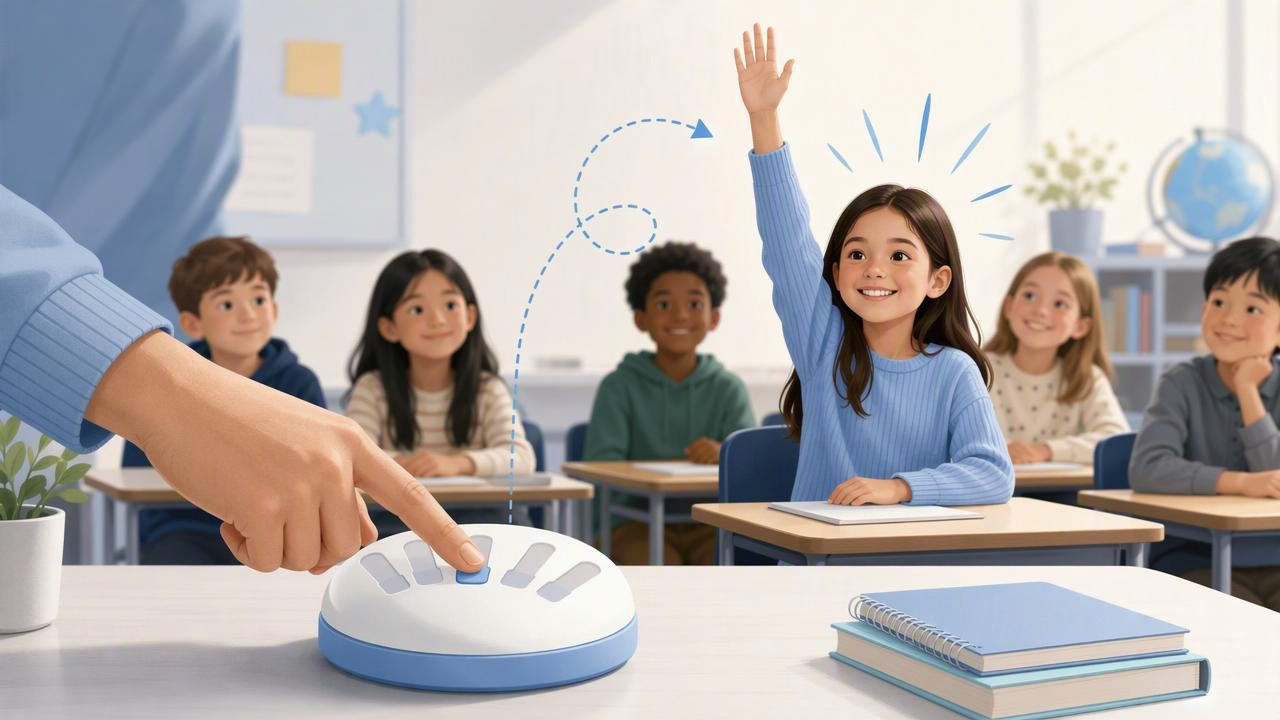
Choosing a classroom volunteer can take far longer than it should. A teacher asks for someone to pass out papers, read a question aloud, lead a line, or demonstrate an activity, and suddenly several hands go up at once. Picking the same eager students repeatedly may feel unfair, while calling on someone who is not ready can create pressure.
A finger chooser offers a simple middle ground for quick, low-stakes classroom choices. A small group of willing students places a finger on one device, and the tool randomly selects one person. It is fast, visible, and easy for students to understand. Most importantly, it gives the group a clear process instead of turning every small task into a debate.
Still, the best finger chooser to choose a classroom volunteer is not simply the one that produces a random result. It should fit the size of the group, support the kind of choice you need, and be used with sensible classroom boundaries. This guide explains how to make volunteer selection fair, calm, and practical.
Why Use a Finger Chooser for Classroom Volunteers?
Volunteer selection is usually a small decision, but small decisions happen many times during a school day. Even a few seconds of hesitation can interrupt a lesson’s pace. A finger chooser makes a choice quickly without requiring a written list, scraps of paper, or a long discussion about whose turn it is.
It works particularly well when the task is optional and several students are genuinely willing to help. For example, it can be useful for choosing:
- One student to hand out worksheets.
- A volunteer to read a short instruction.
- The first person to share an answer from a group.
- A helper to collect classroom materials.
- A student to demonstrate a game or activity.
- One or more volunteers for a brief class job.
The random element can reduce the feeling that the teacher is playing favorites. Students can see that everyone who chose to participate had the same chance. That visibility matters: a decision method often feels fairer when people can understand how it works.
What Makes a Finger Chooser the Best Option?
There is no single “best” method for every classroom situation. A finger chooser is best when the choice is casual, immediate, and limited to a small number of willing participants. Before using one, consider these practical qualities.
| Feature to Consider | Why It Matters in a Classroom |
|---|---|
| Quick selection | Helps keep transitions short and lessons moving. |
| Clear random result | Lets students see that the choice was not based on favoritism. |
| Small-group suitability | Finger-based selection is most useful when only a few volunteers are involved. |
| Single or multiple winners | Useful when you need one helper or several helpers for the same task. |
| Simple customization | Allows the selection to match the number of volunteers needed. |
| Offline access | Useful in classrooms with unreliable Wi-Fi or during activities away from a network. |
A practical finger chooser supports two to five simultaneous fingers. This makes it a good fit for a handful of students standing near a teacher’s device, not an entire class of 25 or 30 students. It may also support a single winner or multiple winners, depending on whether you need one volunteer or a small group.
That limitation is not a flaw; it is what keeps the method simple. When many students want the same role, use a different process first to narrow the group, such as rotating eligibility, drawing names, or inviting a few students at a time.
A Simple Process for Choosing a Classroom Volunteer
The best results come from setting expectations before students reach for the screen. A finger chooser should settle a choice, not become another source of excitement or disagreement.
- Explain the task clearly. Say exactly what the volunteer will do and how long it will take. Students should know what they are volunteering for.
- Ask for willing participants only. Avoid using a random picker to pressure a reluctant student into a public role.
- Limit the group to two to five students. Invite a manageable number of volunteers to participate at once.
- State how many people will be selected. For example: “We need one materials helper,” or “We need two students to hold the poster.”
- Have each participant place one finger on the device. Make sure students understand that one finger equals one chance.
- Accept the result and move on. Thank everyone who volunteered, name the selected student or students, and continue the lesson.
This routine can become familiar quickly. Once students understand it, the selection may take less time than calling for volunteers and deciding whom to choose.
Concrete Example: Picking a Science Demonstration Helper
Imagine a science lesson where one student is needed to hold a measuring cup while the teacher explains an experiment. Four students volunteer: Maya, Jordan, Eli, and Sam.
The teacher says: “Thank you for volunteering. We need one helper, so the finger chooser will pick one person from the four of you.” Each student places one finger on the screen. The tool selects Jordan.
Jordan helps with the measuring cup. The teacher can then add a simple fairness rule for future opportunities: “The students who volunteered today but were not selected will get priority next time we need this type of helper.”
This example shows an important point: randomness handles this decision, but a teacher’s judgment handles fairness over time. A finger chooser does not remember who was previously selected, who has not yet participated, or which student may benefit most from a confidence-building role.
When a Finger Chooser Is a Good Fit
Use a finger chooser when all of the following are true:
- The decision is low stakes.
- The role is voluntary.
- There are two to five willing participants.
- You need a quick answer now.
- Students can comfortably gather around one device.
- A random result is appropriate for the task.
It is especially useful during transitions: before a game starts, while supplies are being arranged, or when a brief helper role needs to be filled without slowing down instruction.
When Not to Use a Finger Chooser
Random selection is not automatically fair in every context. It should not replace teacher judgment where safety, accessibility, learning needs, or student wellbeing are involved.
- Do not use it for required participation. A student who did not volunteer should not be unexpectedly selected through a group activity.
- Do not use it for high-stakes roles. Major leadership opportunities, graded demonstrations, and important responsibilities may need a more thoughtful process.
- Do not use it for large groups. A tool designed for two to five fingers is not an efficient whole-class roster system.
- Do not assume it creates long-term balance. Random results can select the same student more than once.
- Do not ignore accessibility needs. Some students may not be able to use a touch screen comfortably or may prefer not to gather closely around a device.
In these situations, consider a rotation chart, private sign-up system, name draw, teacher assignment, or a structured participation plan instead.
Useful rule: Use random choice for quick opportunities, but use an intentional system for long-term equity.
How to Keep the Process Fair Over Time
A finger chooser can be fair for one moment, but classroom fairness is built over many moments. If the same students always volunteer, they will naturally appear in more selections. Teachers can prevent this pattern from becoming discouraging with a few light-touch habits.
Rotate who gets invited
If a task comes up often, invite different sections of the room or different table groups to volunteer on different days. This widens access without forcing anyone to participate.
Give non-selected volunteers priority later
After a random selection, remember who was willing but not chosen. The next similar role can be offered to those students first. This is particularly helpful when students are building confidence.
Use random choice only after eligibility is clear
If only students who completed a task may demonstrate it, establish that condition before selecting. Randomness should choose among eligible volunteers, not decide who qualifies.
Keep the rules short
Overexplaining a tiny choice can defeat the purpose. A sentence such as “One finger each, one winner, and we will rotate next time” is usually enough.
Finger Chooser Versus Other Volunteer Methods
Different classroom moments call for different decision-making tools. Here is a quick comparison.
| Method | Best For | Main Limitation |
|---|---|---|
| Finger chooser | Two to five willing students and an immediate choice | Not designed for a full class or participation tracking |
| Raised hands | When the teacher wants to choose based on readiness | Can lead to repeated selection of the same students |
| Name draw | Larger groups and a wider pool of participants | May take more setup and can select someone unwilling |
| Rotation system | Regular classroom jobs and long-term equity | Less spontaneous for one-off tasks |
| Teacher choice | Tasks requiring particular skills or support | May appear subjective without explanation |
Final Takeaway
The best finger chooser to choose a classroom volunteer is one used for the right kind of decision: a quick, casual, voluntary choice among a small group. Keep participation to two through five fingers, decide whether you need one or multiple winners, explain the rule before starting, and treat the result as final.
For a simple reference on using this type of selection, see Decision Chooser’s random finger picker guide. Used thoughtfully, a finger chooser can turn minor classroom delays into quick choices while keeping the process easy for students to understand.
